
Close Menu
Entertainment Industry Reporter
    Facebook X (Twitter) Instagram
    Entertainment Industry Reporter
    • Home
    • Film
    • Television
    • Box Office
    • Reality TV
    • Music
    • Horror
    • Politics
    • Books
    • Technology
    • Popular Music Videos
    • Cover Story
    • Contact
      • About
      • Amazon Disclaimer
      • DMCA / Copyright Disclaimer
      • Privacy Policy
      • Terms and Conditions
    Entertainment Industry Reporter
    You are at:Home»Technology»How To Use Meta Display Glasses While Driving With The Audio Only Feature
    Technology

    How To Use Meta Display Glasses While Driving With The Audio Only Feature

    By AdminSeptember 15, 2026
    Facebook Twitter Pinterest LinkedIn Tumblr Email
    How To Use Meta Display Glasses While Driving With The Audio Only Feature


    The feature turns off the display entirely.
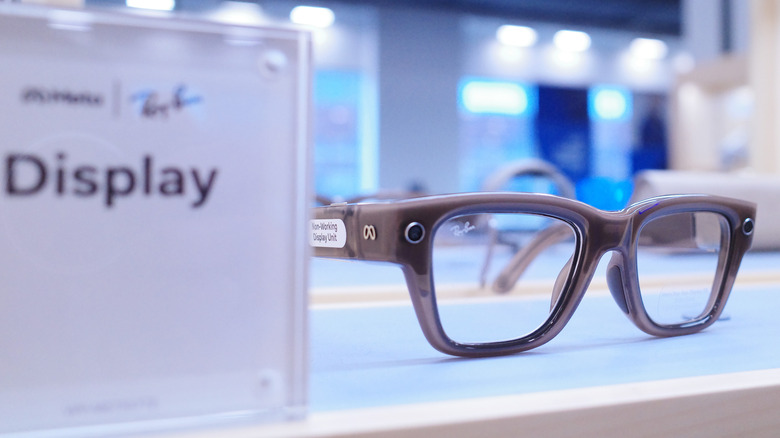

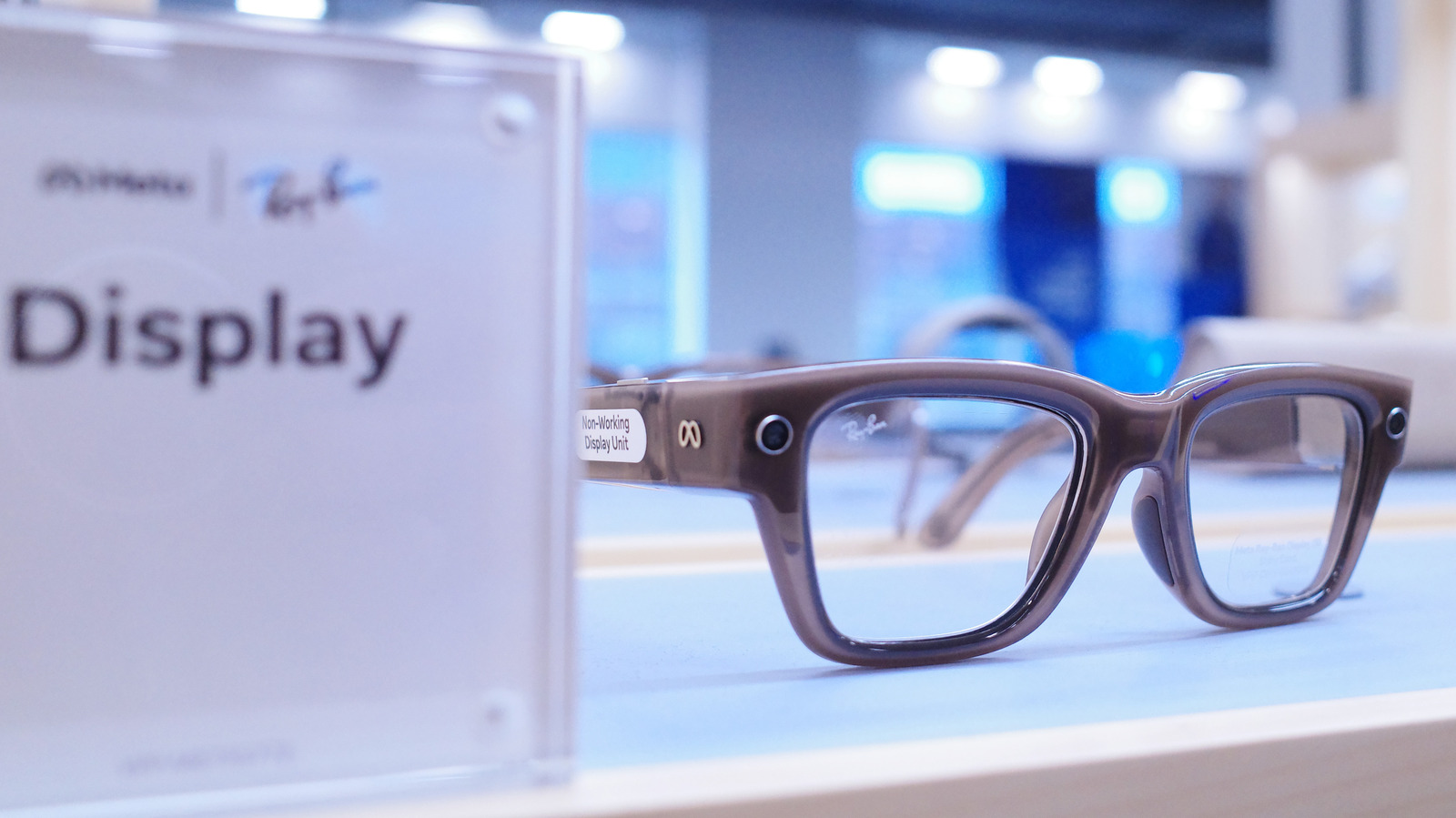
    Meta Display glasses.
    Michael M. Santiago/Getty Images

    Smart glasses are quietly becoming part of some people’s daily routines for things like checking notifications and making calls. Being able to do that without having to pick up your phone is really useful sometimes. But behind the wheel, that same convenience turns into a distraction fast, especially if you have one of those with a built-in display. But that doesn’t mean you have to take off your Meta Ray-Ban Display as soon as you get in the car.

    Unfortunately, Meta Display glasses were not designed to provide real-time driving directions. But if you want to keep using them in your car without getting distracted, you just need to switch them to Audio Only mode. With this mode on, the display on the glasses turns off completely. It’s almost as if you were turning them into regular Meta Ray-Ban AI glasses. You still have hands-free audio for calls and quick voice commands, but without any visual distractions.

    Setting up driving detection on your Meta Display glasses
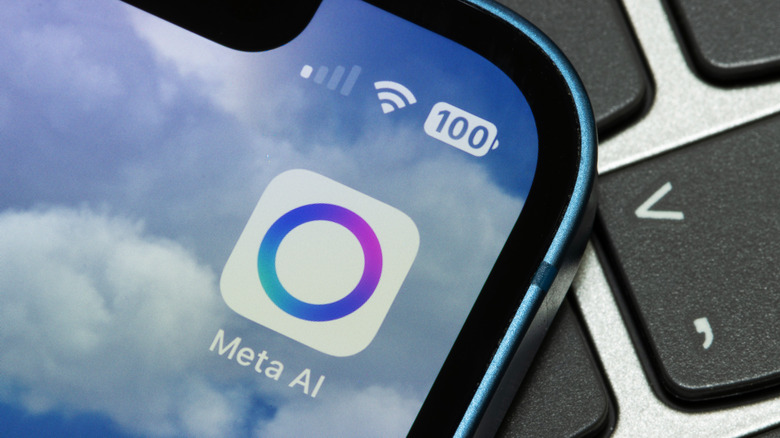

    Meta AI app.
    Tada Images/Shutterstock

    Changing these settings is quite easy and you don’t have to remember to switch modes every time you get in the car. The Meta AI app includes a Driving Detection feature that handles the heavy lifting for you. When the feature is on, the glasses use their internal sensors to detect when you’re in a moving vehicle. Once the glasses realize you’re driving, they automatically disable the display.

    Setting it up only takes a few seconds. To do this, open the Meta AI app on your phone. Go to Settings, select your glasses and tap Device Settings. From there, turn on Audio Only and toggle Driving Detection to active. The glasses will handle the rest. Once you reach your destination and step out of the car, the display will turn back on automatically.

    The Meta AI app may ask you for special permission before enabling this feature. That’s because the app also needs access to your phone’s sensors to work. You can also switch modes manually if you want. Just say “Hey Meta, turn on/off audio only.”

    Meta glasses were not designed for driving navigation
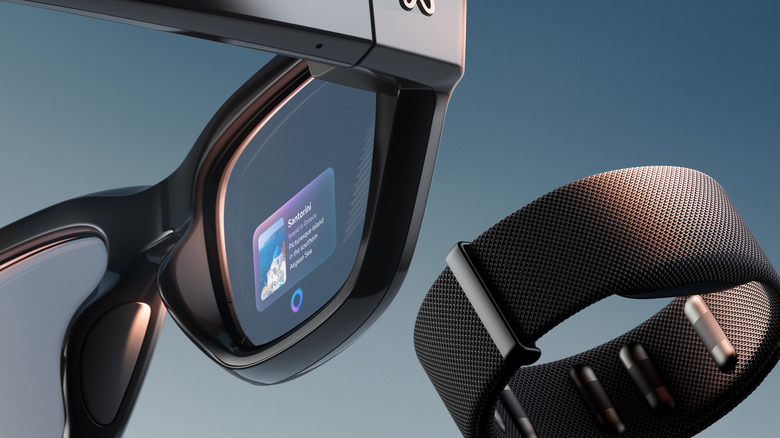

    Meta Display glasses.
    Meta

    If you’re still wondering whether you can use Meta for driving directions somehow, the answer is no. These glasses currently only support pedestrian navigation. The interface is not really designed for high-speed travel and it lacks the real-time traffic updates, lane guidance and complex mapping you need on the highway. You should probably stick with the GPS on your phone or your car’s built-in navigation system for driving directions.

    Although safety is the obvious reason to use Audio Only mode, there are some other benefits too. Turning off the display while you drive can save some battery for when you really need it. Besides, it’s always good to take a break from screens and excessive notifications. And if you want to learn more about the Meta Display glasses, here’s our full review.


    Original Source Link

    Share. Facebook Twitter LinkedIn Email Telegram WhatsApp

    Related Posts

    Canon’s R8 II Camera Borrowed Its Styling From A Classic SLR Film Camera

    Join WIRED@Night for an Uncanny Valley Live Recording on Women, Tech and Power

    New York Seizes a Dozen Celebrity Deepfake Websites

    Which Is Better For Charging Your MacBook?

    Best Indoor Garden Systems I’ve Been Testing All Year (2026)

    What Is The Difference Between A Dead Pixel And A Stuck Pixel?

    Popular Posts

    Jack Wagner Explains His Return in Italy, What’s in Store for Nick and Brooke (Exclusive)

    Interview with Denise Hunter, Author of The Summer of You and Me

    Megan Thee Stallion to Star in Moulin Rouge! on Broadway

    Marilyn Monroe’s Unearthed Letter Details Traumatic Psychiatric Hospital Stay — Report

    Christine Quinn Hits Back at Husband, Filing for Her Own TRO

    Which RHOC Season 18 Stars Are Serving Villain Vibes?

    Broadway Has Best Thanksgiving Week In History With $46M Box Office

    Categories
    • Books (2,349)
    • Box Office (1,725)
    • Cover Story (46)
    • Events (34)
    • Featured (49)
    • Film (2,369)
    • Horror (2,353)
    • Lifestyle (10)
    • Music (2,440)
    • Music & Film Reviews (1)
    • Politics (1,500)
    • Popular Music Videos (1,782)
    • Reality TV (1,809)
    • Technology (2,360)
    • Television (2,139)
    • Uncategorized (1)
    Archives
    Useful Links
    • About
    • Contact
    • Privacy Policy
    • DMCA / Copyright Disclaimer
    • Amazon Disclaimer
    • Terms and Conditions
    Categories
    • Books (2,349)
    • Box Office (1,725)
    • Cover Story (46)
    • Events (34)
    • Featured (49)
    • Film (2,369)
    • Horror (2,353)
    • Lifestyle (10)
    • Music (2,440)
    • Music & Film Reviews (1)
    • Politics (1,500)
    • Popular Music Videos (1,782)
    • Reality TV (1,809)
    • Technology (2,360)
    • Television (2,139)
    • Uncategorized (1)
    Popular Posts

    Activision is reportedly looking into the malware stealing its users’ login credentials

    Netflix Adds Shocking Thriller About Crimes in HBO’s The Jinx Doc

    Drake Ties for Most No. 1s Among Soloists on Billboard 200 Chart

    MISTRESS OF LIFE AND DEATH

    © 2026 Entertainment Industry Reporter. All rights reserved. All articles, images, product names, logos, and brands are property of their respective owners. All company, product and service names used in this website are for identification purposes only. Use of these names, logos, and brands does not imply endorsement unless specified. By using this site, you agree to the Terms & Conditions and Privacy Policy.

    Type above and press Enter to search. Press Esc to cancel.

    We use cookies on our website to give you the most relevant experience by remembering your preferences and repeat visits. By clicking “Accept All”, you consent to the use of ALL the cookies. However, you may visit "Cookie Settings" to provide a controlled consent.
    Cookie SettingsAccept All
    Manage consent

    Privacy Overview

    This website uses cookies to improve your experience while you navigate through the website. Out of these, the cookies that are categorized as necessary are stored on your browser as they are essential for the working of basic functionalities of the website. We also use third-party cookies that help us analyze and understand how you use this website. These cookies will be stored in your browser only with your consent. You also have the option to opt-out of these cookies. But opting out of some of these cookies may affect your browsing experience.
    Necessary
    Always Enabled
    Necessary cookies are absolutely essential for the website to function properly. These cookies ensure basic functionalities and security features of the website, anonymously.
    CookieDurationDescription
    cookielawinfo-checkbox-analytics11 monthsThis cookie is set by GDPR Cookie Consent plugin. The cookie is used to store the user consent for the cookies in the category "Analytics".
    cookielawinfo-checkbox-functional11 monthsThe cookie is set by GDPR cookie consent to record the user consent for the cookies in the category "Functional".
    cookielawinfo-checkbox-necessary11 monthsThis cookie is set by GDPR Cookie Consent plugin. The cookies is used to store the user consent for the cookies in the category "Necessary".
    cookielawinfo-checkbox-others11 monthsThis cookie is set by GDPR Cookie Consent plugin. The cookie is used to store the user consent for the cookies in the category "Other.
    cookielawinfo-checkbox-performance11 monthsThis cookie is set by GDPR Cookie Consent plugin. The cookie is used to store the user consent for the cookies in the category "Performance".
    viewed_cookie_policy11 monthsThe cookie is set by the GDPR Cookie Consent plugin and is used to store whether or not user has consented to the use of cookies. It does not store any personal data.
    Functional
    Functional cookies help to perform certain functionalities like sharing the content of the website on social media platforms, collect feedbacks, and other third-party features.
    Performance
    Performance cookies are used to understand and analyze the key performance indexes of the website which helps in delivering a better user experience for the visitors.
    Analytics
    Analytical cookies are used to understand how visitors interact with the website. These cookies help provide information on metrics the number of visitors, bounce rate, traffic source, etc.
    Advertisement
    Advertisement cookies are used to provide visitors with relevant ads and marketing campaigns. These cookies track visitors across websites and collect information to provide customized ads.
    Others
    Other uncategorized cookies are those that are being analyzed and have not been classified into a category as yet.
    SAVE & ACCEPT