
Close Menu
Entertainment Industry Reporter
    Facebook X (Twitter) Instagram
    Entertainment Industry Reporter
    • Home
    • Film
    • Television
    • Box Office
    • Reality TV
    • Music
    • Horror
    • Politics
    • Books
    • Technology
    • Popular Music Videos
    • Cover Story
    • Contact
      • About
      • Amazon Disclaimer
      • DMCA / Copyright Disclaimer
      • Privacy Policy
      • Terms and Conditions
    Entertainment Industry Reporter
    You are at:Home»Technology»What Is A VESA Mount And How To Know What Type Your TV Has
    Technology

    What Is A VESA Mount And How To Know What Type Your TV Has

    By AdminAugust 24, 2026
    Facebook Twitter Pinterest LinkedIn Tumblr Email


    The VESA dimensions tell you where the mounting holes line up, but you still need to check the mount’s weight limit and hardware.
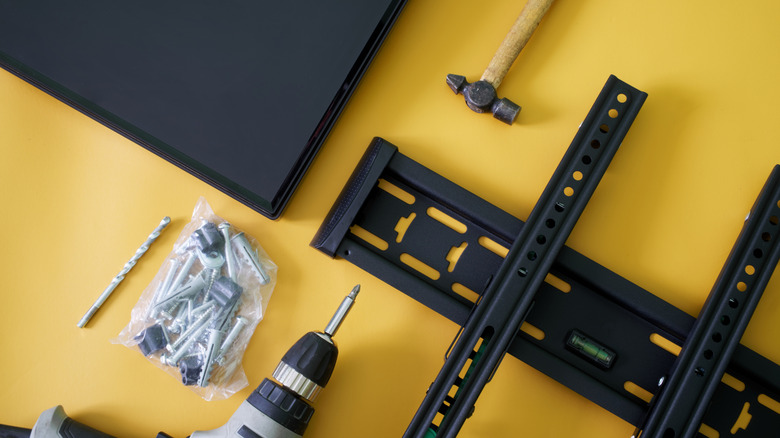

    TV wall-mounting hardware and tools laid out beside a flat-screen TV on a yellow surface.
    Slexp880/Getty Images

    Thankfully, VESA 400 × 400 isn’t another TV resolution you need to learn. VESA stands for Video Electronics Standards Association, and in TV-mount shopping, a VESA size or VESA pattern describes the spacing between the mounting holes on the back of a TV or display. A VESA mount isn’t one particular style of bracket; it simply supports one or more of those standardized patterns.

    What does a VESA size such as 200 × 200 mean?
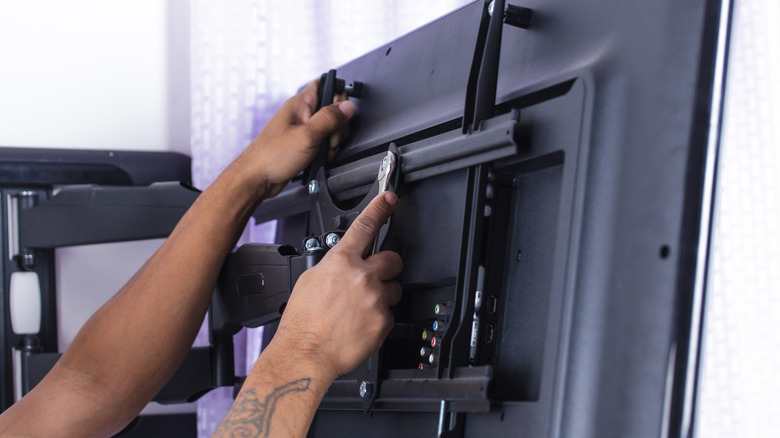

    Person tightening the mounting brackets on the back of a flat-screen TV attached to an articulating wall mount.
    Naypong/Getty Images

    Look at the back of a typical mountable TV and you’ll find threaded mounting holes, usually arranged in a square or rectangle. The VESA pattern describes the distance between those holes, measured in millimeters.

    The first number is the horizontal distance and the second is the vertical distance. So a TV with a 400 × 200 pattern has mounting holes spaced 400mm apart from left to right and 200mm apart from top to bottom. A 200 × 200 pattern measures 200mm in both directions.

    The VESA numbers don’t describe the TV’s resolution or screen dimensions. Larger TVs often use larger mounting patterns, but screen size alone doesn’t tell you which pattern a particular model uses. Checking your exact TV model is more reliable than guessing from its screen size.

    You also don’t need a mount limited to that exact VESA size. Many mounts support multiple VESA patterns, so you don’t need a bracket labeled only for your exact size. Your TV’s pattern just needs to appear on the mount’s list of supported patterns.

    How to find your TV’s VESA pattern
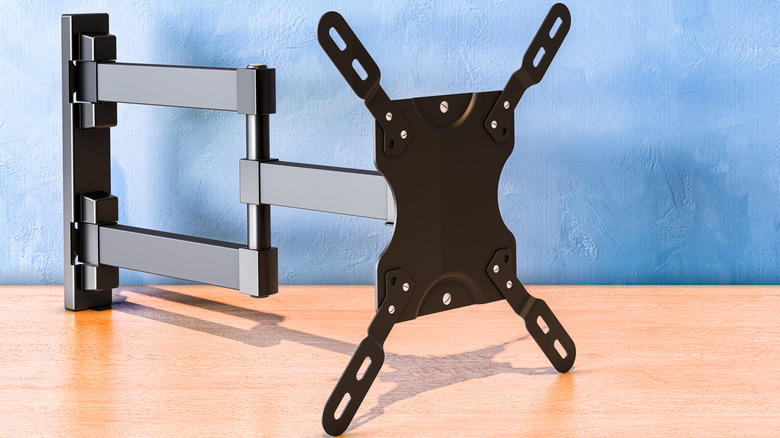

    TV wall mount with adjustable arms and a VESA mounting plate.
    Natatravel/Getty Images

    The easiest method doesn’t require a ruler at all. Look up the exact TV model in its manual or on the manufacturer’s support page and find the wall-mount or VESA specifications. Manufacturers commonly list the mounting-hole pattern in millimeters.

    If you can’t find the specification, you can measure the mounting holes yourself. Measure from the center of one mounting hole to the center of the corresponding hole horizontally, then do the same vertically. Write the result as horizontal × vertical, in millimeters.

    For example, if the mounting holes are 400mm apart horizontally and 200mm apart vertically, the TV has a 400 × 200 VESA pattern. Measure in millimeters so you can compare the result directly with the mount’s specifications.

    A matching VESA pattern isn’t enough
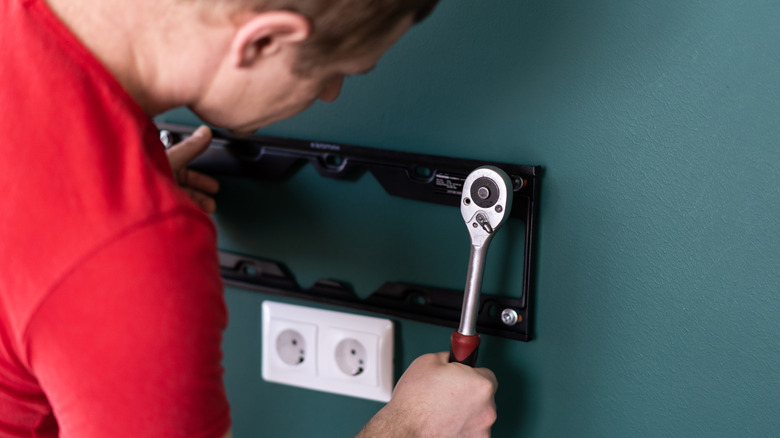

    Person using a ratchet to secure a TV wall-mount bracket to a wall.
    Zayatssv/Getty Images

    A matching VESA pattern tells you the bracket can line up with the TV’s mounting holes. It doesn’t tell you whether the mount can safely hold the TV, so the next specification to check is its weight limit.

    Compare the mount’s maximum load with the weight of your TV. A bracket can support the correct VESA pattern and still be unsuitable for a TV that’s too heavy.

    You should also check the hardware required by your TV. VESA compatibility also says nothing about how the bracket should attach to the wall. Once you’ve confirmed the pattern and weight rating, use the TV manufacturer’s instructions to check the required mounting screws and follow the mount manufacturer’s instructions for attaching the bracket to the wall.


    Original Source Link

    Share. Facebook Twitter LinkedIn Email Telegram WhatsApp

    Related Posts

    Asus ROG Swift RGB Stripe OLED Review: Clarity King

    If Waymo Cars Are Level 4 Automation, What Does It Take To Be A Level 5?

    Saily Ultra eSIM Premum Plan Review: Packed With Perks

    Apple Reportedly Cut More Than 200 Jobs Across Vision Pro And Siri Software Teams

    Meta’s Big Reckoning Is Here

    Amazon’s God Of War Show Brings In Dave Bautista As Its New Kratos

    Popular Posts

    ‘Lost,’ ‘Game of Thrones,’ More

    MRS PARGETER’S PATIO | Kirkus Reviews

    Timekettle T1 Handheld Translator Review: Global Offline Translation

    Top Christmas Songs of All Time 🎅🏼 Best Christmas Music Playlist 🎄 Merry Christmas Songs

    Nina Dobrev’s Chloé Dress Hangs by Thin Straps at Paris Fashion Week

    ’90 Day Fiance’ What Happened To Michael’s Nose?

    Townies share new song ‘Wednesday’ in response to Wednesday’s ‘Townies’

    Categories
    • Books (2,303)
    • Box Office (1,685)
    • Cover Story (46)
    • Events (34)
    • Featured (48)
    • Film (2,322)
    • Horror (2,307)
    • Lifestyle (10)
    • Music (2,394)
    • Music & Film Reviews (1)
    • Politics (1,452)
    • Popular Music Videos (1,741)
    • Reality TV (1,764)
    • Technology (2,314)
    • Television (2,093)
    • Uncategorized (1)
    Archives
    Useful Links
    • About
    • Contact
    • Privacy Policy
    • DMCA / Copyright Disclaimer
    • Amazon Disclaimer
    • Terms and Conditions
    Categories
    • Books (2,303)
    • Box Office (1,685)
    • Cover Story (46)
    • Events (34)
    • Featured (48)
    • Film (2,322)
    • Horror (2,307)
    • Lifestyle (10)
    • Music (2,394)
    • Music & Film Reviews (1)
    • Politics (1,452)
    • Popular Music Videos (1,741)
    • Reality TV (1,764)
    • Technology (2,314)
    • Television (2,093)
    • Uncategorized (1)
    Popular Posts

    How Mouthwashing continues Alien’s condemnation of worker exploitation

    Jeff Probst on What You Didn’t See in Immunity Challenge (Exclusive)

    Hydrow Discount Code: Save Up to $150 in April | WIRED

    Hungryroot Coupon Codes: 30% Off This Month

    © 2026 Entertainment Industry Reporter. All rights reserved. All articles, images, product names, logos, and brands are property of their respective owners. All company, product and service names used in this website are for identification purposes only. Use of these names, logos, and brands does not imply endorsement unless specified. By using this site, you agree to the Terms & Conditions and Privacy Policy.

    Type above and press Enter to search. Press Esc to cancel.

    We use cookies on our website to give you the most relevant experience by remembering your preferences and repeat visits. By clicking “Accept All”, you consent to the use of ALL the cookies. However, you may visit "Cookie Settings" to provide a controlled consent.
    Cookie SettingsAccept All
    Manage consent

    Privacy Overview

    This website uses cookies to improve your experience while you navigate through the website. Out of these, the cookies that are categorized as necessary are stored on your browser as they are essential for the working of basic functionalities of the website. We also use third-party cookies that help us analyze and understand how you use this website. These cookies will be stored in your browser only with your consent. You also have the option to opt-out of these cookies. But opting out of some of these cookies may affect your browsing experience.
    Necessary
    Always Enabled
    Necessary cookies are absolutely essential for the website to function properly. These cookies ensure basic functionalities and security features of the website, anonymously.
    CookieDurationDescription
    cookielawinfo-checkbox-analytics11 monthsThis cookie is set by GDPR Cookie Consent plugin. The cookie is used to store the user consent for the cookies in the category "Analytics".
    cookielawinfo-checkbox-functional11 monthsThe cookie is set by GDPR cookie consent to record the user consent for the cookies in the category "Functional".
    cookielawinfo-checkbox-necessary11 monthsThis cookie is set by GDPR Cookie Consent plugin. The cookies is used to store the user consent for the cookies in the category "Necessary".
    cookielawinfo-checkbox-others11 monthsThis cookie is set by GDPR Cookie Consent plugin. The cookie is used to store the user consent for the cookies in the category "Other.
    cookielawinfo-checkbox-performance11 monthsThis cookie is set by GDPR Cookie Consent plugin. The cookie is used to store the user consent for the cookies in the category "Performance".
    viewed_cookie_policy11 monthsThe cookie is set by the GDPR Cookie Consent plugin and is used to store whether or not user has consented to the use of cookies. It does not store any personal data.
    Functional
    Functional cookies help to perform certain functionalities like sharing the content of the website on social media platforms, collect feedbacks, and other third-party features.
    Performance
    Performance cookies are used to understand and analyze the key performance indexes of the website which helps in delivering a better user experience for the visitors.
    Analytics
    Analytical cookies are used to understand how visitors interact with the website. These cookies help provide information on metrics the number of visitors, bounce rate, traffic source, etc.
    Advertisement
    Advertisement cookies are used to provide visitors with relevant ads and marketing campaigns. These cookies track visitors across websites and collect information to provide customized ads.
    Others
    Other uncategorized cookies are those that are being analyzed and have not been classified into a category as yet.
    SAVE & ACCEPT