
Close Menu
Entertainment Industry Reporter
    Facebook X (Twitter) Instagram
    Entertainment Industry Reporter
    • Home
    • Film
    • Television
    • Box Office
    • Reality TV
    • Music
    • Horror
    • Politics
    • Books
    • Technology
    • Popular Music Videos
    • Cover Story
    • Contact
      • About
      • Amazon Disclaimer
      • DMCA / Copyright Disclaimer
      • Privacy Policy
      • Terms and Conditions
    Entertainment Industry Reporter
    You are at:Home»Technology»Why It’s Important To Unplug Your PC During A Power Outage
    Technology

    Why It’s Important To Unplug Your PC During A Power Outage

    By AdminSeptember 22, 2026
    Facebook Twitter Pinterest LinkedIn Tumblr Email
    Why It’s Important To Unplug Your PC During A Power Outage


    Unplugging your PC during a blackout might be exactly what saves it.
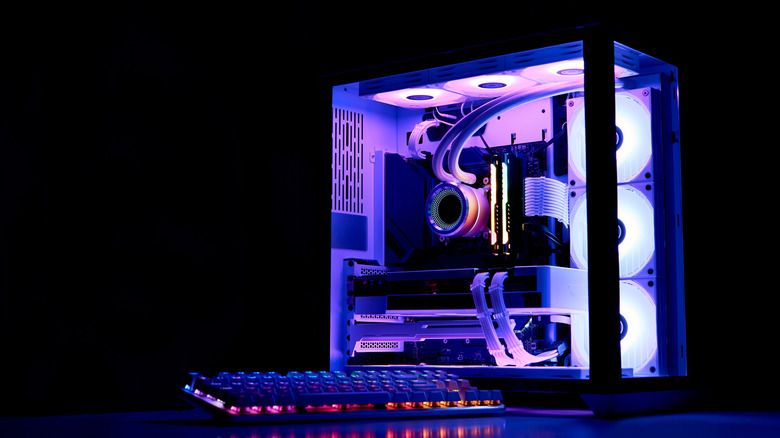

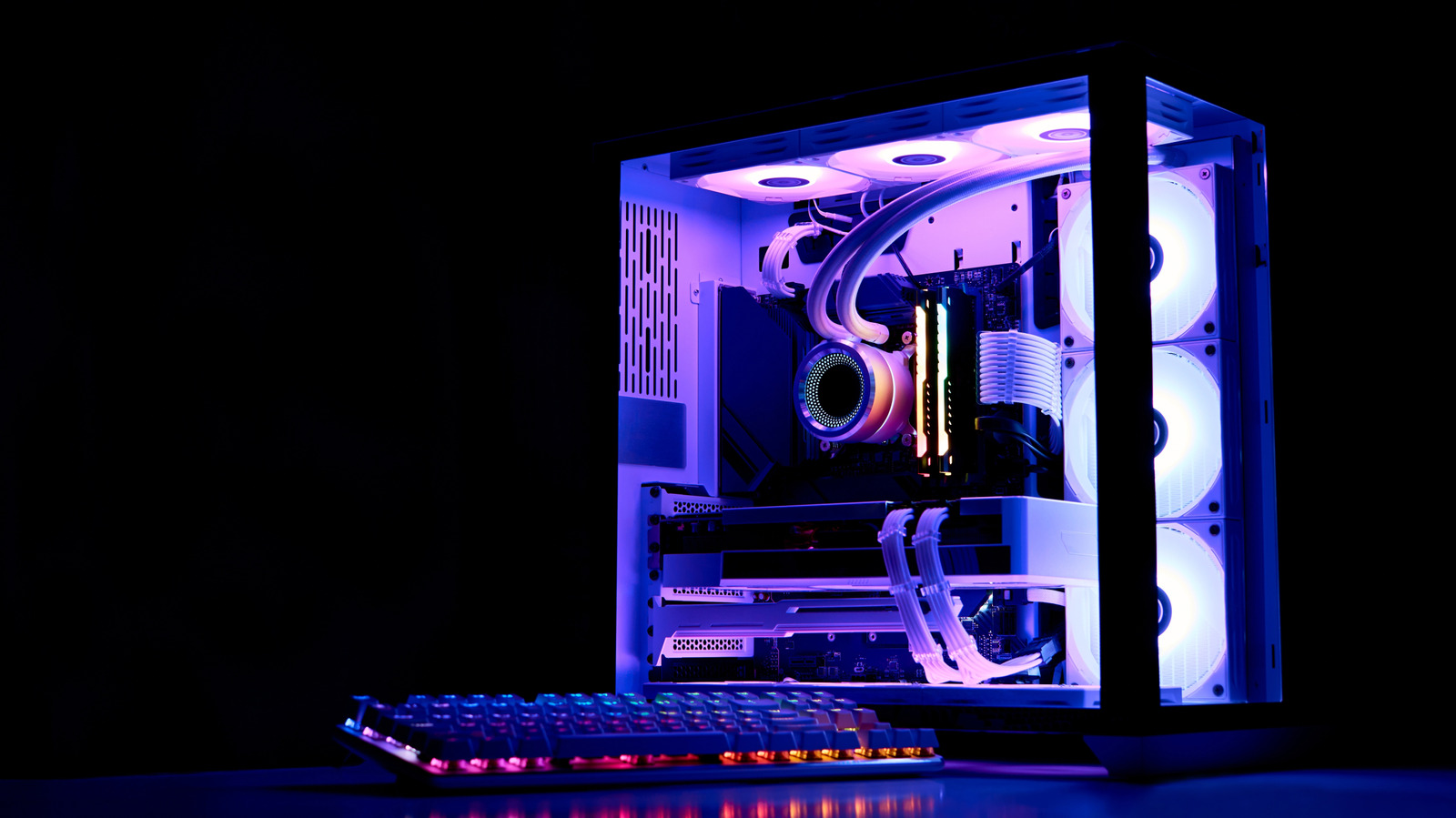
    A lit-up desktop PC on a desk with a keyboard.
    Om.Nom.Nom/Shutterstock

    Power outages don’t usually come with a schedule. And when one hits, most people focus on finding the nearest flashlight rather than thinking about their electronics. But if your PC is still plugged into the wall when the lights come back, it could be in danger.

    Many assume that a PC (unwillingly) shutting down is enough to keep it safe during an outage, but it isn’t. Even a powered-off computer remains connected to your home’s electrical wiring, and that connection is exactly how damage occurs. PCs are particularly vulnerable, since components like the motherboard, RAM and SSD are built with delicate circuits that are sensitive to unexpected voltage spikes.

    The scale of risk is worth understanding. When power cuts unexpectedly, whether due to grid overload, equipment failure or a tripped breaker, the electrical system doesn’t simply go quiet. Voltage can fluctuate sharply in the moments before and after an outage, and the surge that arrives when power is restored is often more damaging than the outage itself. Standard household circuits in the US operate at 120 volts; even moderate spikes above those levels are enough to permanently damage sensitive computer components. 

    Understanding how to protect your setup can save you from costly repairs, loss of data and the headache of tracking down replacement parts.

    Turning off your PC isn’t enough
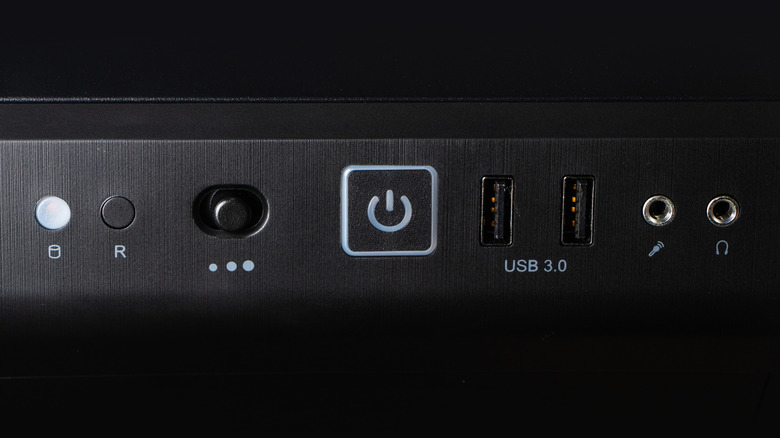

    A desktop PC's power button, alongside various ports.
    Skrypnykov Dmytro/Shutterstock

    Even if you turned off your PC before the power outage, it’s not necessarily safe. Electricity can still travel through the cord and reach internal components once power comes back on, even while the machine is dark. 

    Power surges are the most common cause of this; they happen when there’s a sudden jump in electrical current, often triggered by lightning or damage to nearby power lines. Even a strike that doesn’t directly hit your house can send a surge through your local transformer and into your home’s wiring. When the grid comes back online after an outage, it often delivers an additional spike, so the danger doesn’t end when the lights come back on.

    On top of that, if your PC is running when the power cuts off, that sudden loss of power can cause its own problems. Any files being saved or updated may be corrupted, which could render your system unusable if it happens during OS updates. If your computer has HDDs, sudden shutdowns can also harm their mechanical heads. 

    How to protect your PC during a power outage


    Man with flashlight checking out an electrical panel.
    Gregory_dubus/Getty Images

    To ensure your PC doesn’t suffer any damage during a storm, shut down your system and unplug it from the wall when you know extreme weather is coming. If the power is already out, it’s still worth unplugging the machine. Do the same for the router while you’re at it, as that’s one of the most frequently fried devices in an electrical storm. You should be restarting your router regularly anyway, so unplugging it won’t hurt. Keep other expensive electronics like your TV safe by unplugging them too.

    On a desktop PC, shutting off the PSU can help since that prevents current from entering the system. However, an extreme event like a lightning strike could still cause damage. A surge protector is a much better idea. A quality surge protector acts as a first line of defense, absorbing voltage spikes before they reach your equipment. 

    Investing in a UPS is even better. An uninterruptible power supply combines surge protection with a battery backup. While it’s not meant to keep your devices running for hours, it will prevent shutdowns during short outages and give you a window to save your work and shut down gracefully instead of losing power instantly. For broader coverage, consider having a licensed electrician install surge protection directly into your electrical panel, shielding every outlet in the house.

    Also, when the power returns, don’t immediately jump at the chance to plug everything back in. Wait a few minutes to ensure it won’t go back out again. When you reconnect, plug your surge protector in first, then your PC and any peripherals.

    Unplugging your PC during a power outage takes only a few seconds, but it’s one of the most effective ways to protect your investment. Paired with a surge protector or UPS, the simple habit will reduce the chance of hardware damage or data loss. Given what’s at stake, it’s a small effort to make.


    Original Source Link

    Share. Facebook Twitter LinkedIn Email Telegram WhatsApp

    Related Posts

    The Pros And Cons Of Using A Password Manager Over An Authenticator App

    Rabbit Is Back, This Time With an AI Agent App

    Here’s the iFixit Repairability Rating for the iPhone 18 Pro

    What Is iPhone Handoff And Which Carriers Support It?

    Thermacell LIV 2.0 Review: Taking My Yard Back

    How Long Can You Expect Your Old Cassette Tapes To Last?

    Popular Posts

    ‘I will provide all the evidence’

    ‘Bering Sea Gold’ Fans Bash Return Of Steve Riedel

    Minions-Led Sequel Eyes Global $200M Bow

    The best savings we could find before Amazon’s July event

    Book Riot’s Most Popular Posts of the Week

    Here’s When A24 Is Releasing Documentary

    Trump Media stock rises after co-founders dump DJT shares

    Categories
    • Books (2,363)
    • Box Office (1,737)
    • Cover Story (48)
    • Events (35)
    • Featured (50)
    • Film (2,383)
    • Horror (2,367)
    • Lifestyle (11)
    • Music (2,456)
    • Music & Film Reviews (1)
    • Politics (1,514)
    • Popular Music Videos (1,796)
    • Reality TV (1,823)
    • Technology (2,374)
    • Television (2,153)
    • Uncategorized (1)
    Archives
    Useful Links
    • About
    • Contact
    • Privacy Policy
    • DMCA / Copyright Disclaimer
    • Amazon Disclaimer
    • Terms and Conditions
    Categories
    • Books (2,363)
    • Box Office (1,737)
    • Cover Story (48)
    • Events (35)
    • Featured (50)
    • Film (2,383)
    • Horror (2,367)
    • Lifestyle (11)
    • Music (2,456)
    • Music & Film Reviews (1)
    • Politics (1,514)
    • Popular Music Videos (1,796)
    • Reality TV (1,823)
    • Technology (2,374)
    • Television (2,153)
    • Uncategorized (1)
    Popular Posts

    Comcast says hackers stole data of close to 36 million Xfinity customers

    Women Ally With the Law to Get Justice in 5 Thrillers

    Channing Tatum Movie ‘Roofman’ Hits Theaters October 2025

    Olivia Rodrigo’s Nol Collective Micro Minidress Rides High on Her Thighs

    © 2026 Entertainment Industry Reporter. All rights reserved. All articles, images, product names, logos, and brands are property of their respective owners. All company, product and service names used in this website are for identification purposes only. Use of these names, logos, and brands does not imply endorsement unless specified. By using this site, you agree to the Terms & Conditions and Privacy Policy.

    Type above and press Enter to search. Press Esc to cancel.

    We use cookies on our website to give you the most relevant experience by remembering your preferences and repeat visits. By clicking “Accept All”, you consent to the use of ALL the cookies. However, you may visit "Cookie Settings" to provide a controlled consent.
    Cookie SettingsAccept All
    Manage consent

    Privacy Overview

    This website uses cookies to improve your experience while you navigate through the website. Out of these, the cookies that are categorized as necessary are stored on your browser as they are essential for the working of basic functionalities of the website. We also use third-party cookies that help us analyze and understand how you use this website. These cookies will be stored in your browser only with your consent. You also have the option to opt-out of these cookies. But opting out of some of these cookies may affect your browsing experience.
    Necessary
    Always Enabled
    Necessary cookies are absolutely essential for the website to function properly. These cookies ensure basic functionalities and security features of the website, anonymously.
    CookieDurationDescription
    cookielawinfo-checkbox-analytics11 monthsThis cookie is set by GDPR Cookie Consent plugin. The cookie is used to store the user consent for the cookies in the category "Analytics".
    cookielawinfo-checkbox-functional11 monthsThe cookie is set by GDPR cookie consent to record the user consent for the cookies in the category "Functional".
    cookielawinfo-checkbox-necessary11 monthsThis cookie is set by GDPR Cookie Consent plugin. The cookies is used to store the user consent for the cookies in the category "Necessary".
    cookielawinfo-checkbox-others11 monthsThis cookie is set by GDPR Cookie Consent plugin. The cookie is used to store the user consent for the cookies in the category "Other.
    cookielawinfo-checkbox-performance11 monthsThis cookie is set by GDPR Cookie Consent plugin. The cookie is used to store the user consent for the cookies in the category "Performance".
    viewed_cookie_policy11 monthsThe cookie is set by the GDPR Cookie Consent plugin and is used to store whether or not user has consented to the use of cookies. It does not store any personal data.
    Functional
    Functional cookies help to perform certain functionalities like sharing the content of the website on social media platforms, collect feedbacks, and other third-party features.
    Performance
    Performance cookies are used to understand and analyze the key performance indexes of the website which helps in delivering a better user experience for the visitors.
    Analytics
    Analytical cookies are used to understand how visitors interact with the website. These cookies help provide information on metrics the number of visitors, bounce rate, traffic source, etc.
    Advertisement
    Advertisement cookies are used to provide visitors with relevant ads and marketing campaigns. These cookies track visitors across websites and collect information to provide customized ads.
    Others
    Other uncategorized cookies are those that are being analyzed and have not been classified into a category as yet.
    SAVE & ACCEPT